Okta Discovery
Okta Discovery connects Okta to XFA. XFA reads your Okta authentication logs to find the devices used for work in your organization, so you can report on them and later reach them with Awareness or Enforcement.
Step 1: Start the Okta connection
- In the XFA dashboard, open Discovery.
- Click Add connection, or New if you already have a connection.
- Choose Discover devices in Okta and click Continue.
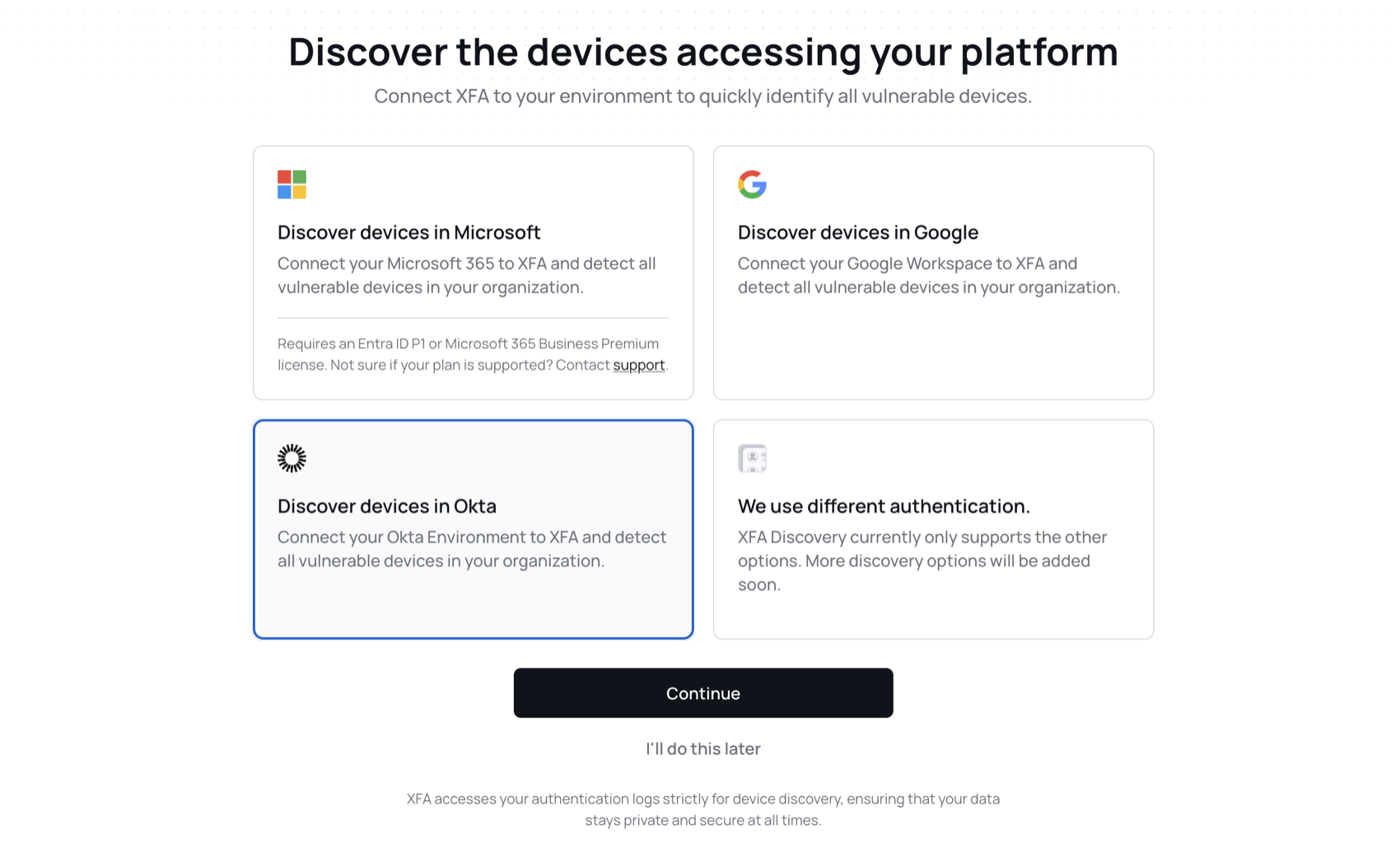
Each Discovery connection counts toward your plan's limit. If you have reached it, XFA shows Discovery connection limit reached. Upgrade your plan or remove a connection to continue.
Step 2: Create the XFA Service Integration in Okta
- In the Okta Admin Portal, go to Applications > API Service Integrations > Add Integration.
- Search for XFA Discovery and add it.
- Review the permissions and click Install & Authorize.
- Copy the Okta domain, Client ID and Client Secret of the new integration. You paste them into XFA in the next step.
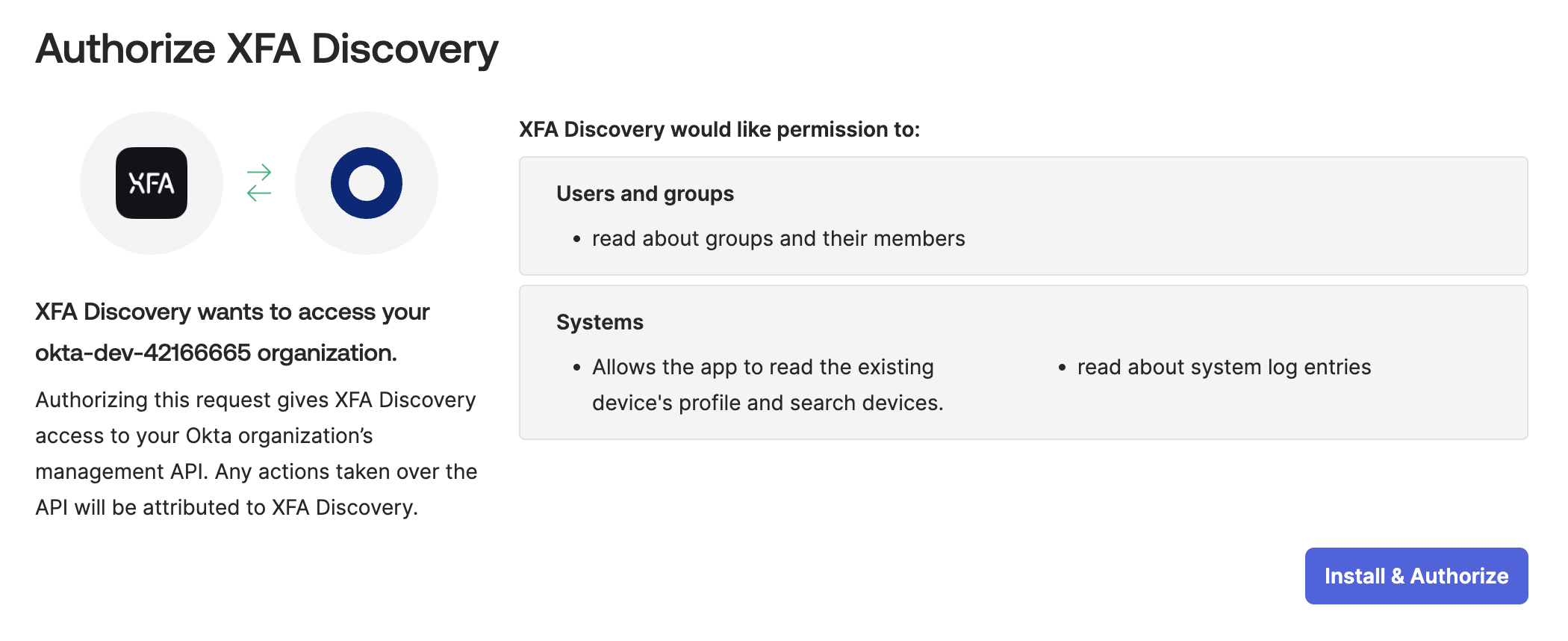
Step 3: Add your API Service Integration details
Back in XFA, fill in the three fields with the values from Okta:
| Field | Example |
|---|---|
| Okta domain | https://your-tenant.okta.com |
| Client ID | 0oa1b2c3d4e5FGHIJ678 |
| Client Secret | The secret Okta showed for the integration |
Start discovery becomes available once all three fields are filled in. Click it to finish. The first devices appear on the Devices page as XFA finds them.
Okta Discovery has no scoping options. XFA imports the devices it finds in your Okta authentication logs, without group or device type filters.