Security training at sign-in
Your organization can ask you to finish your security training or accept its compliance policies before you sign in to work apps. When something is due, the sign-in page tells you what to do and where.
What XFA sees about your training
XFA asks your organization's training tool, for example Vanta, two things about you: done or not, and the due date. It never sees your scores or which trainings you did, and it changes nothing in that tool.
What to do
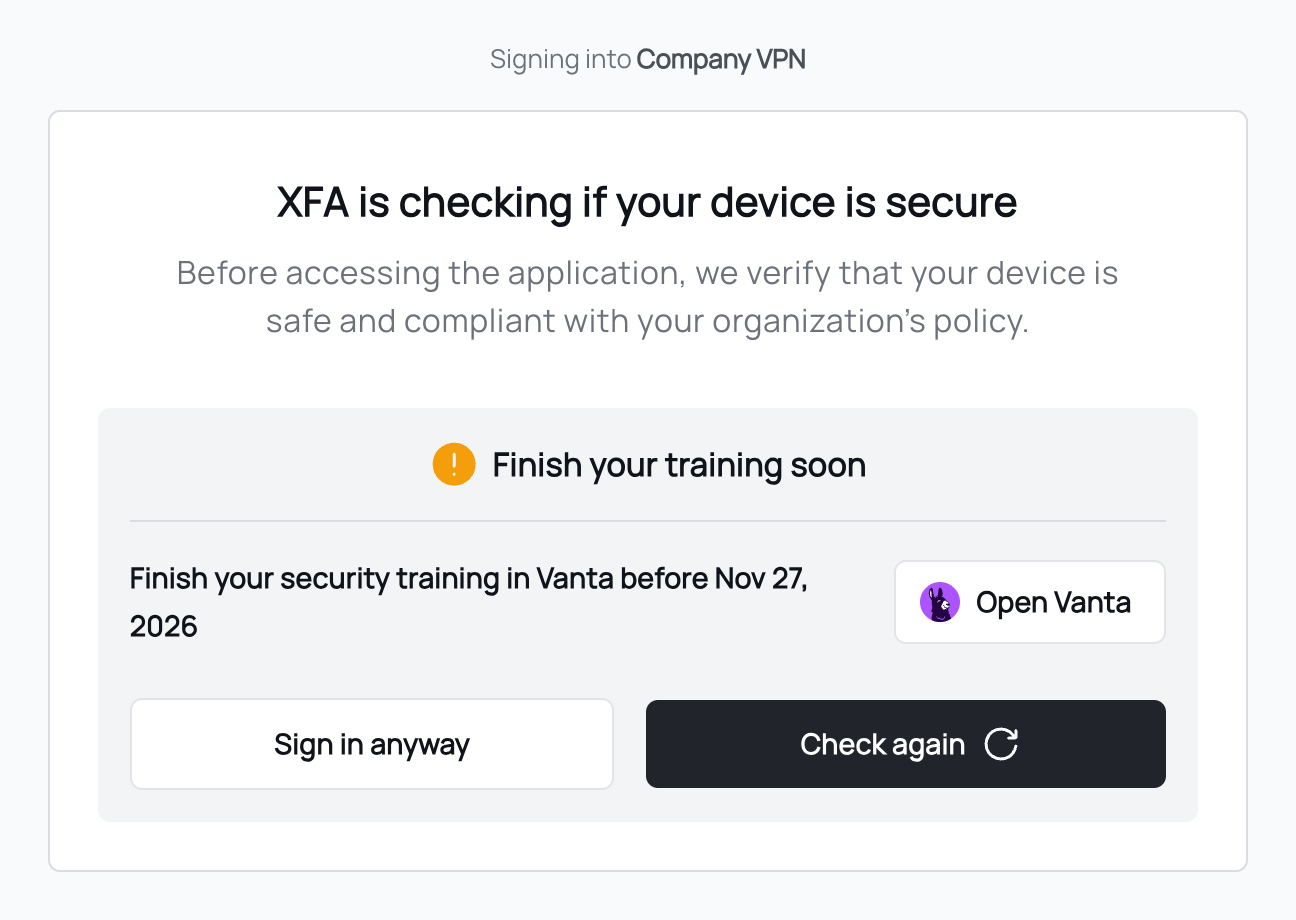
- Click Open Vanta (or the name of your organization's tool) and sign in there.
- Finish your training, or accept the policies.
- Come back to the sign-in page and click Check again. XFA asks again right away.
What the messages mean
| Message | What it means |
|---|---|
| Finish your training soon | It's due soon. You can still sign in. If it says "by" a date, that is the due date. If it says "before" a date, then from that date you can't sign in until you're done. |
| Finish your training | It's past its due date. You can still sign in. |
| Finish your training to sign in | You can't sign in until you're done. Finish it, then click Check again. |
The same messages exist for compliance policies, for example Accept your compliance policies soon.
If XFA can't get your status, the sign-in page shows nothing about training and you sign in as usual.
Can't sign in?
If you finished your training and still can't sign in, wait a few minutes and click Check again. If that doesn't help, contact your IT admin. They can let your sign-in through.