
2 posts tagged with "Device Management"

View All Tags

Device Snooze

· One min read

Administrators can now snooze individual devices from the dashboard when a device needs a temporary exception.

Snooze is available from the device action menu in the Devices overview and from the device detail page. Choose a preset or custom date and time for each device, optionally add a reason, and remove or update the snooze later from the same menu.

Snoozed devices are hidden from overviews and analytics by default, but remain available through the Show snoozed devices filter. During the snooze period, device checks and awareness notifications are paused for that device.

MFA remains active by default. Admins can explicitly include MFA in the snooze when they need to pause MFA for Enforcement sign-ins as well.
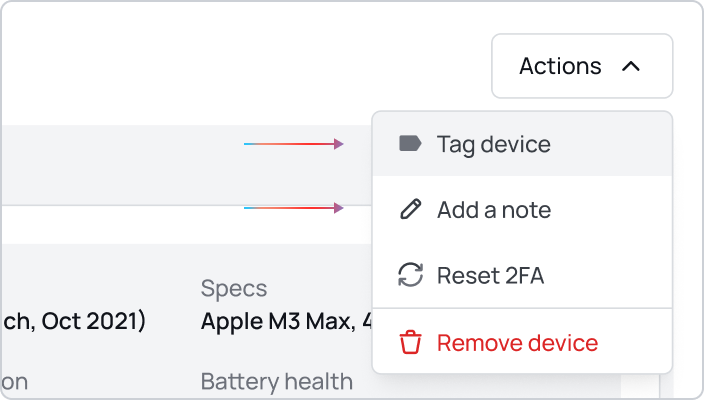
Manage your devices

Device Notes and Tags

· One min read
Device tags & notes

You can now add notes and tags to devices directly from the dashboard to better organize and track your device inventory.

Notes allow you to add custom descriptions or important information about specific devices. Whether it's tracking device assignments, maintenance schedules, or special configurations, notes help you keep all relevant device information in one place.

Tags provide a quick way to categorize and filter devices based on your organizational needs. Create custom tags for departments, locations, device types, or any other classification system that works for your team.

Both features are accessible from the device details view and can help streamline your device management workflow.

Manage your devices