A New Look for the XFA Desktop App
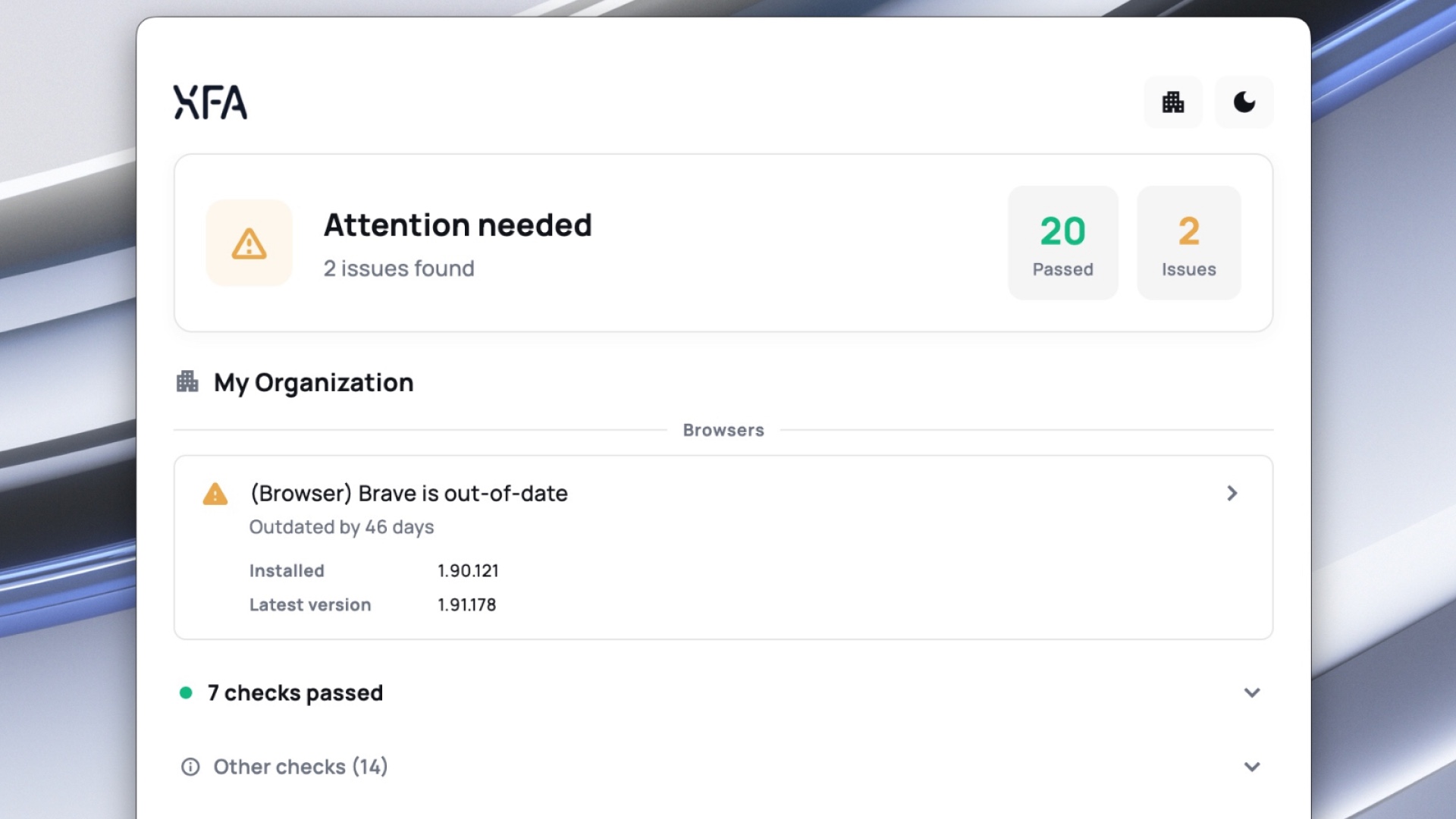
The XFA desktop app has a new look. The menu-bar icon now opens into a full app where anyone can see their device security in detail. Available on macOS, Windows, and Linux starting today.
Your users already have that icon on every device they verify. Until now it did its work quietly in the background. Now they can open it, see the device's security status, and go into the detail: every check XFA runs, marked pass or fail, with clear steps to fix anything that is not passing. No support ticket, no waiting on IT.
Built for the person using the device
XFA has always kept the person using the device informed, not just IT. The redesign makes that experience better: a clear overview of whether the device is safe, with all the detail underneath it, each check and how to fix it. Understandable at a glance, with the depth there when someone wants it.
If you are on XFA, open the icon in your menu bar and take a look.