Stronger mobile checks at sign-in, and a smoother dashboard
This week strengthens what XFA checks on mobile devices at sign-in, and makes the dashboard feel lighter and more responsive.
Mobile devices bring more to the sign-in check
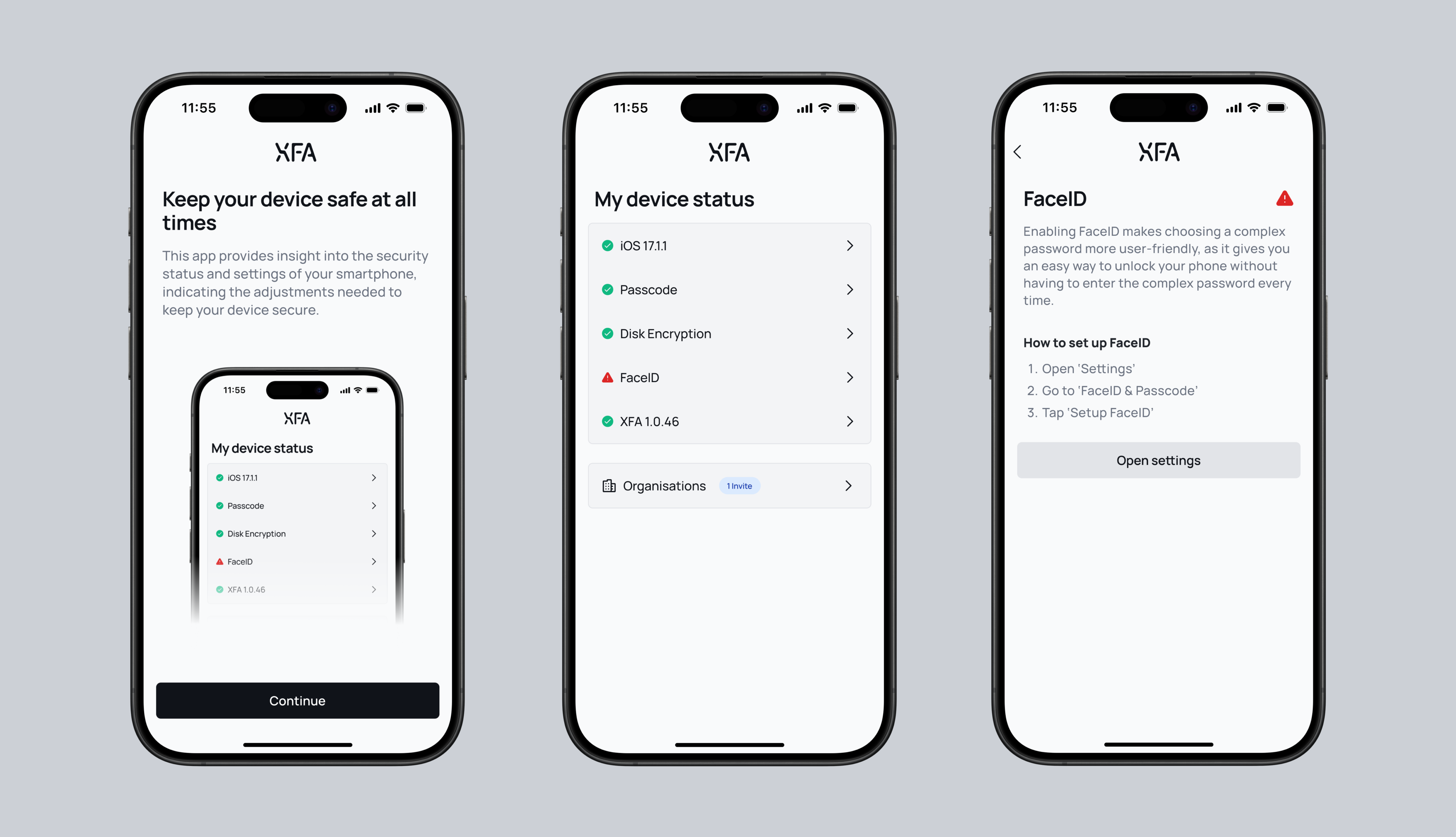
The checks that flag a jailbroken, rooted or developer-mode device, or one that was just rebooted, already ran in the XFA app and showed in your dashboard. They now also reach the access decision at sign-in for mobile devices, so a risky mobile device is warned or blocked at login per your policy, the same way it already is on desktop. Nothing new is installed: the mobile app simply reports these signals when it verifies the device at sign-in. See your device policy
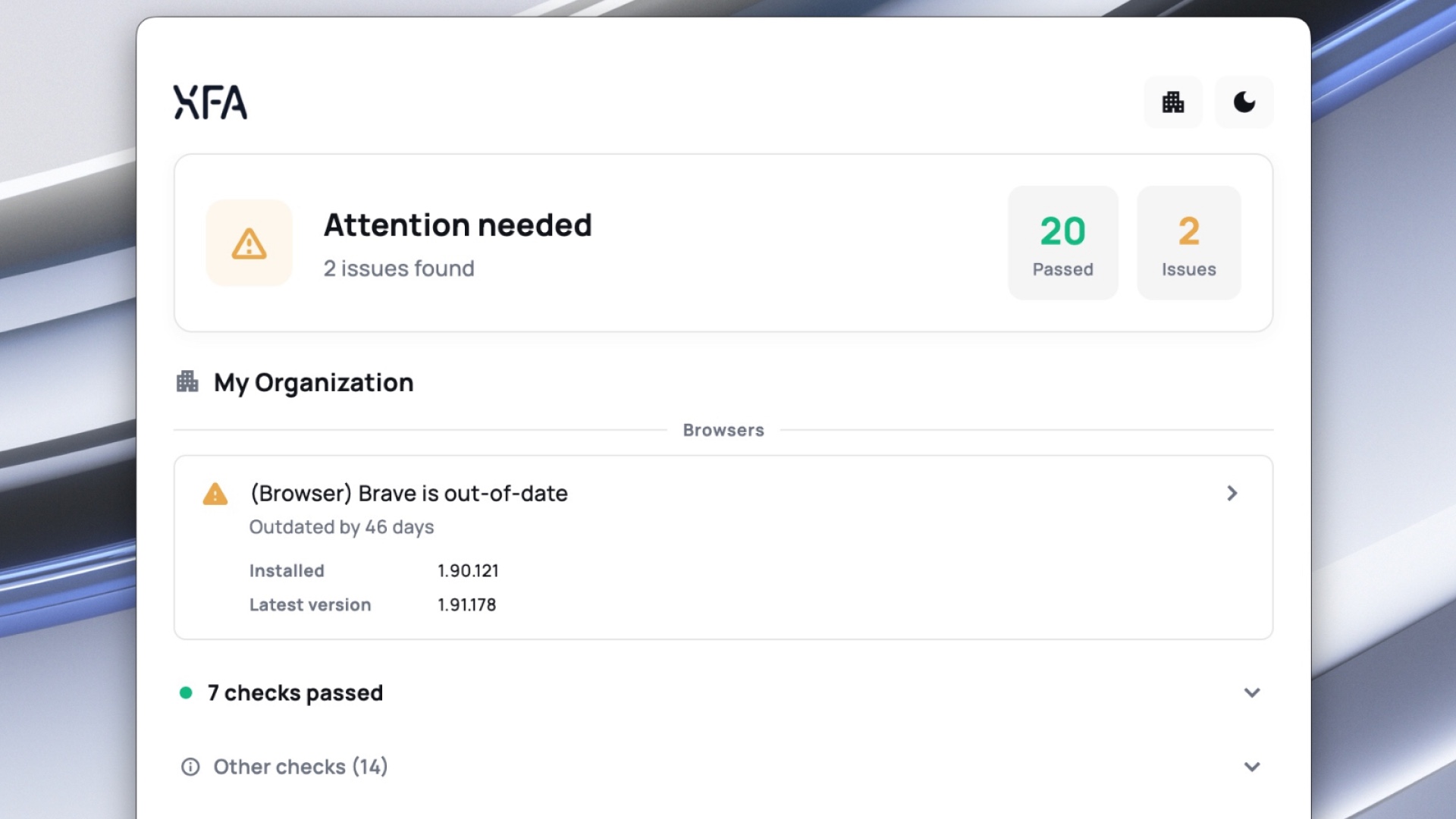
- Dashboard: a lighter, more responsive feel, with smoother transitions, clearer hover and loading states, skeleton placeholders while data loads, and success confirmations that appear only once an action has actually saved. Motion respects your reduced-motion setting.
- Dashboard: notifications are rebuilt to be calmer and more legible, and no longer duplicate, flicker or jump when several arrive at once.
- Dashboard: Discovery and Enforcement now have a
Watch demoaction that opens a short guided tour without leaving the dashboard.
- Desktop: the device-lock check now applies your organization's maximum screen-lock timeout, so it no longer shows
OKin the app while sign-in is actually being blocked. - Desktop: the OS updates check on Fedora Linux is much faster, and no longer reports a device as out of date right after a reboot before its update data is ready.
- Dashboard: setting up Google Workspace discovery no longer skips the domain-wide delegation step. You now confirm delegation is configured before continuing.
- Web app: MFA and TOTP sign-in are more reliable. Trusted devices register after approval, malformed device tokens are refreshed instead of failing, and TOTP email confirmation links open the right step.
- Dashboard: fixed a rare case where the dashboard could get stuck reloading right after a new version was deployed.
- Dashboard: fixed a redirect loop that could bounce you back and forth during MFA sign-in.
- Dashboard: blocked-account access handling is more consistent, and you now review your billing details before checkout.
- Dashboard: an invited user's signup now always uses the invited email address, even if an earlier unfinished signup was left in the browser.