Vanta Export
· One min read
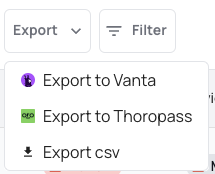
You can export your devices to Vanta to provide device security proof automatically for your compliance needs.
Get started in the Vanta Dashboard under Integrations.
You can export your devices to Vanta to provide device security proof automatically for your compliance needs.
Get started in the Vanta Dashboard under Integrations.

When using XFA as an extra factor to your identity provider, you don't use the security of a second factor.
Our new MFA feature can be easily enabled on an integrations through the XFA dashboard. Once it is enabled users will be asked to trust their device, a first device needs to be confirmed through an email link, a next device needs to be confirmed by an already enrolled device. Once devices are trusted, the user will not be asked for a second factor anymore, but the device will inherently act as a second factor.
XFA can be used as a factor through the BYO MFA functionality in OneLogin. This allows XFA to be seamlessly added to any application from within the OneLogin admin dashboard, given that it uses OneLogin as the identity provider.
When a user authenticates with OneLogin, as an additional factor after supplying a username & password, the user is redirected to XFA to verify that the device is compliant with the device security policy before authenticating the user. This assures that only devices that comply with the security policy are allowed access.
XFA can be used as a factor through the External Authentication Methods functionality in Microsoft EntraID. This allows XFA to be seamlessly added to any application from within the Microsoft EntraID admin dashboard, given that it uses EntraID as the identity provider.
When a user authenticates with EntraID, as an additional factor after supplying a username & password, the user is redirected to XFA to verify that the device is compliant with the device security policy before authenticating the user. This assures that only devices that comply with the security policy are allowed access.
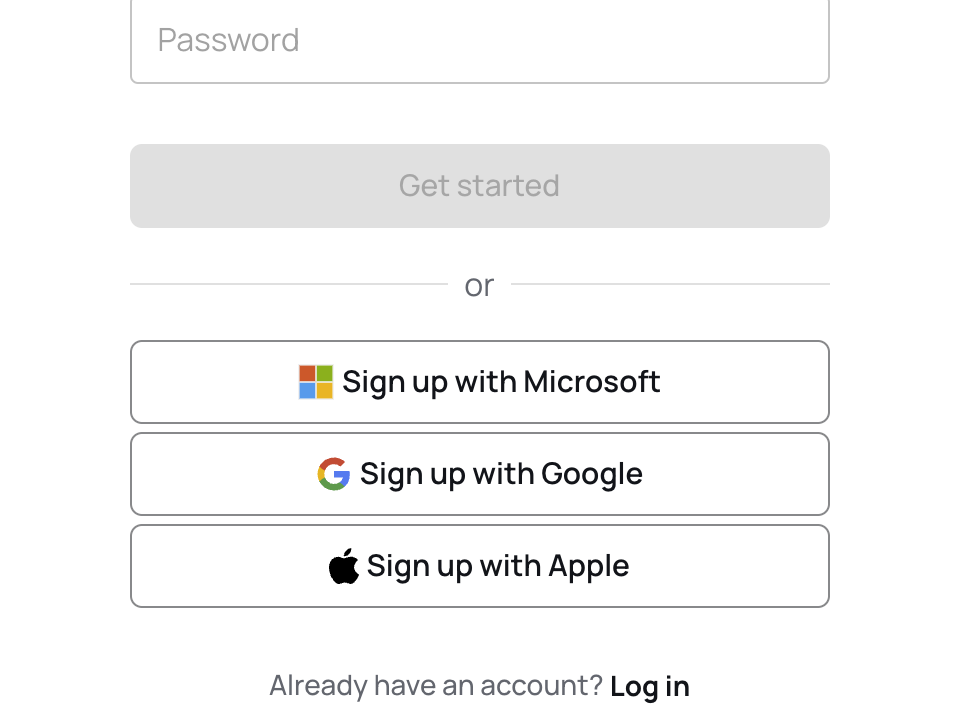
When creating an account on the XFA dashboard, you can now use social login to sign up with your Microsoft, Google, or Apple account.
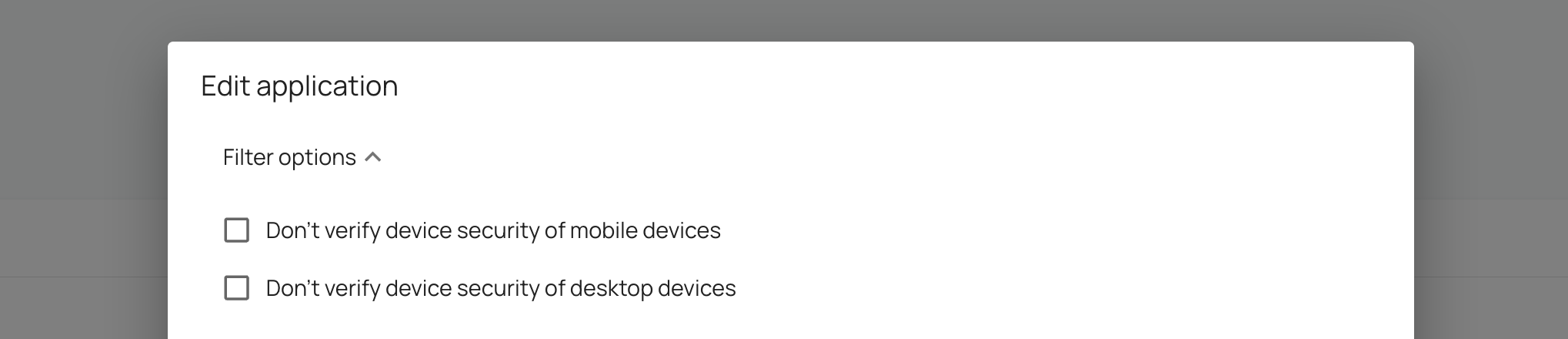
It's now possible to exclude a specific device type (mobile or desktop devices) from device verification. You can find this setting in the application policy.
This might be useful when you want to slowly onboard your devices or want to add XFA for a limited usecase to cover a blind spot.
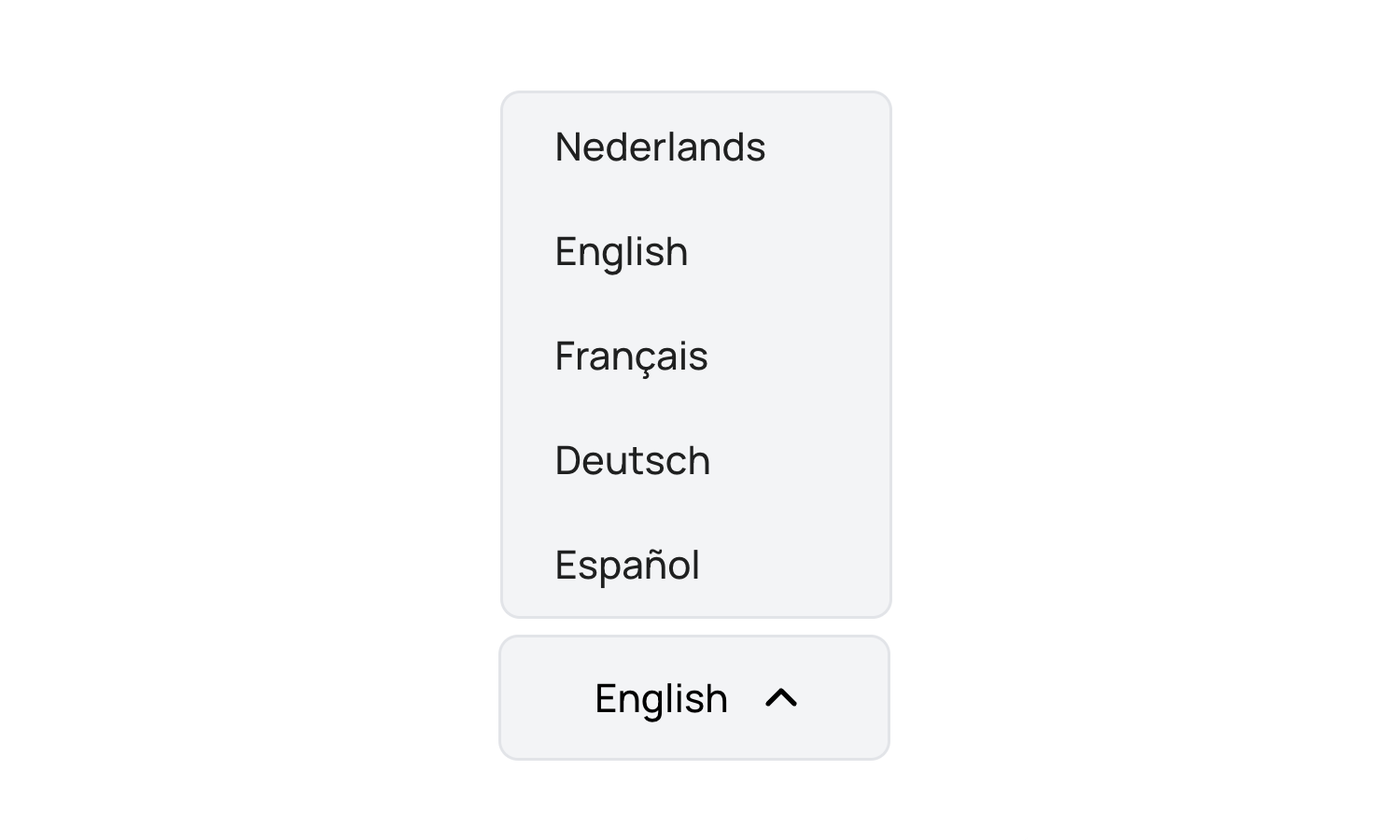
All XFA clients now have added language support for French, German and Spanish next to the original English and Dutch support.
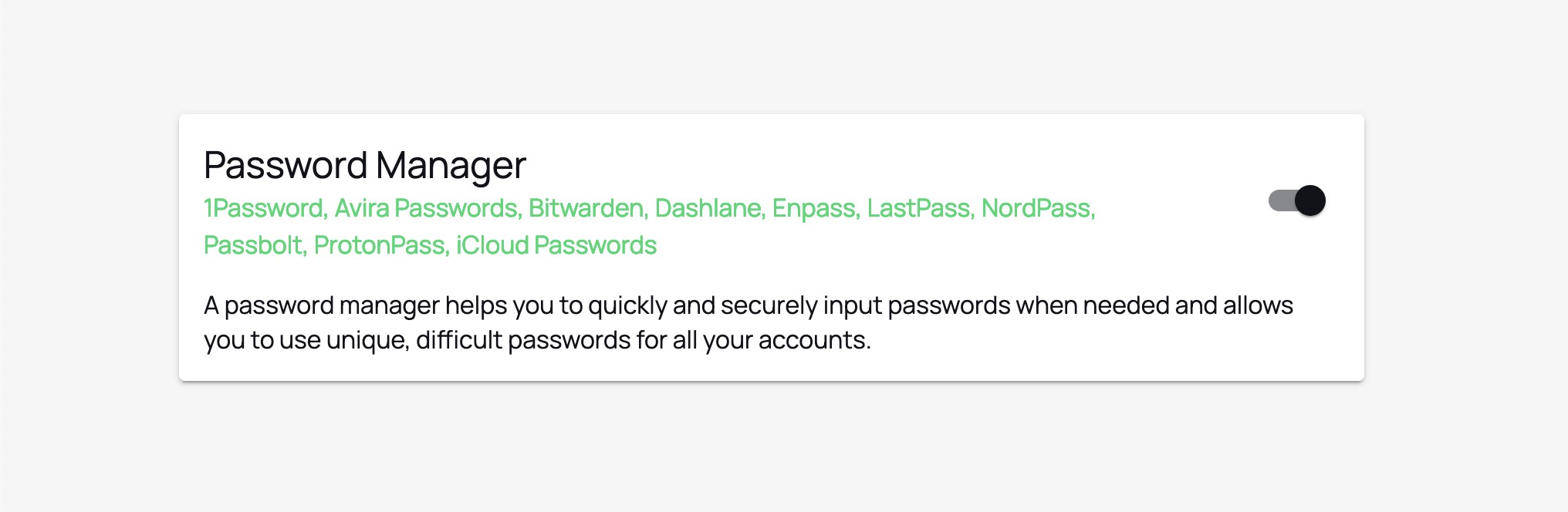
We've expanded our support to the following (browser-based) password managers:
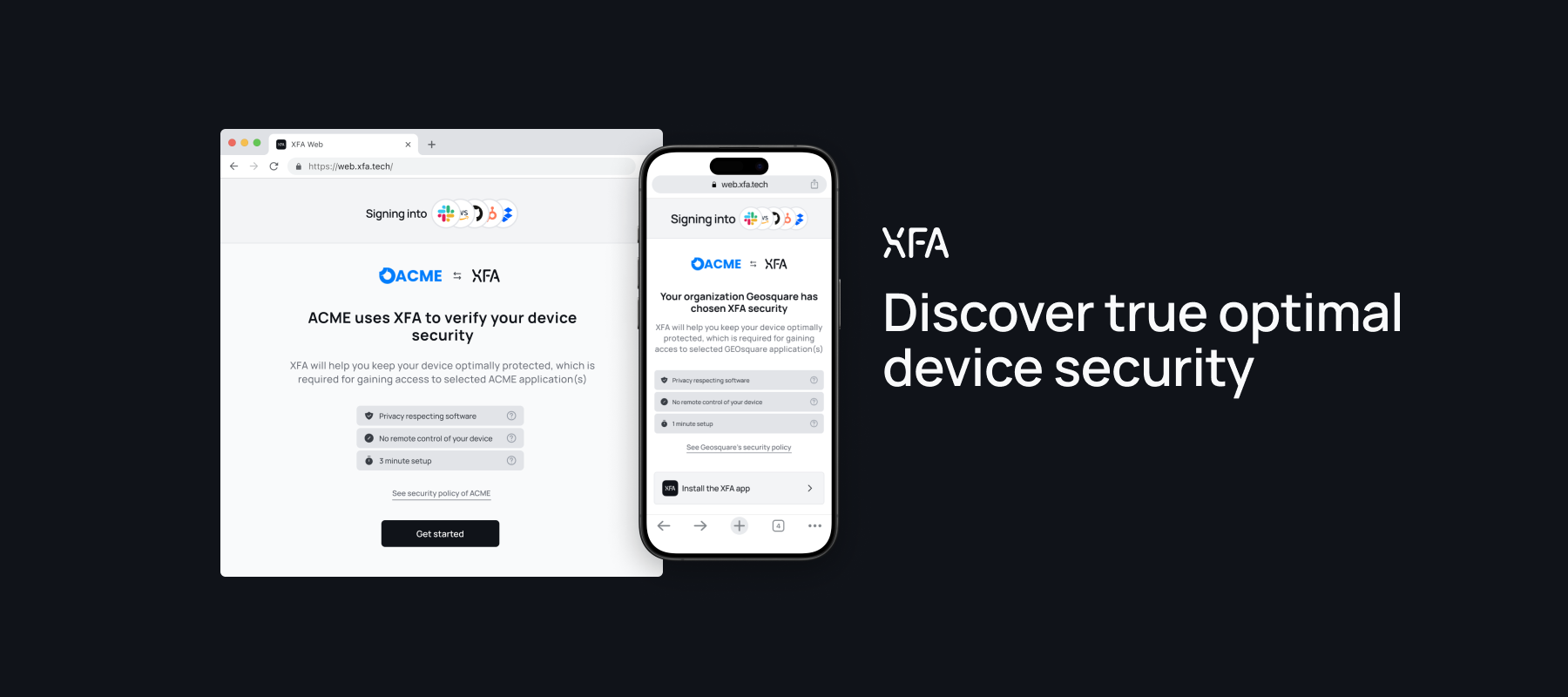
When connecting for the first time with an application that uses XFA to verify device security, the onboarding page will now include:
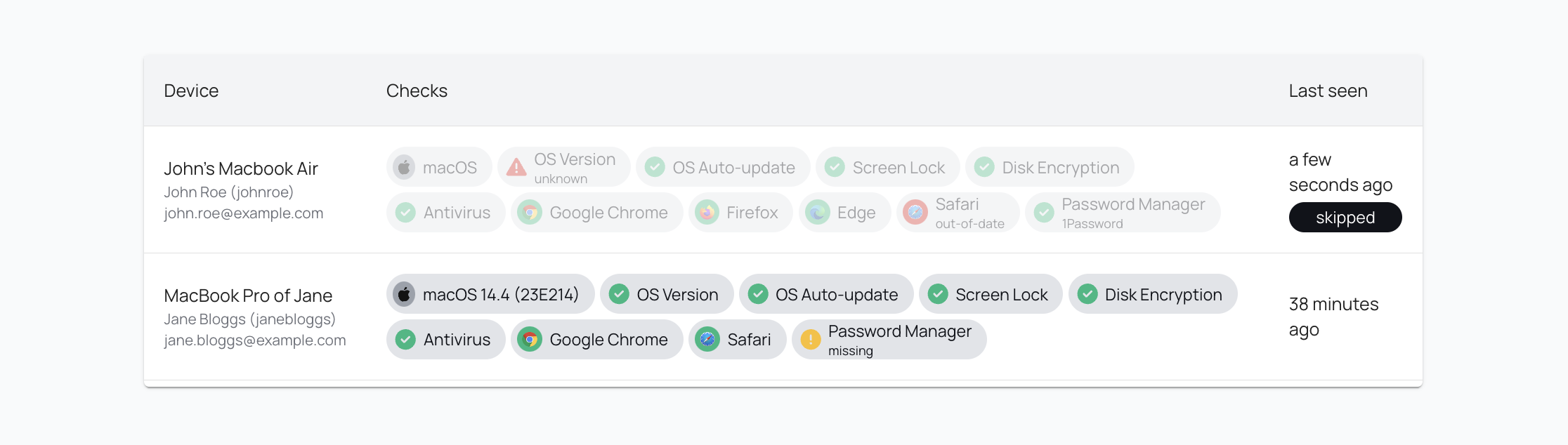
We've expanded our insights to include users/devices that used the 'I'll do this later'-button when an application policy still allows it.
This allows administrators to manage their gradual onboardings better while not impacting operations in any way. You can always turn make device verification mandatory by disabling 'allow users to skip device verification' in the application policy.