Integrations
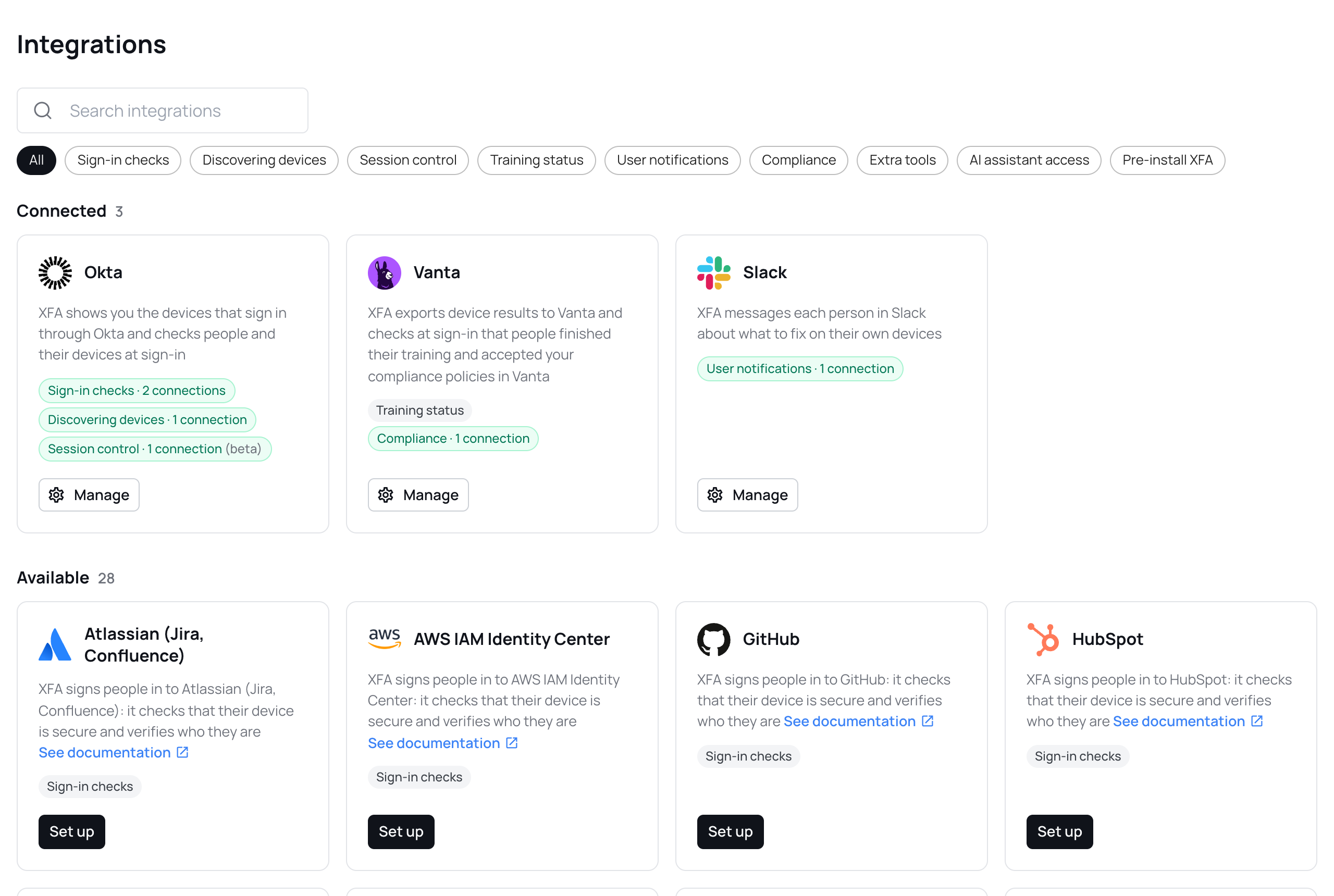
The Integrations page in the XFA dashboard lists every tool XFA connects to, in one place. Use it to find a tool, see what it does in XFA, and set it up or manage the connections you already have.
Find an integration
Type a name in Search integrations, or click a filter:
| Filter | What these tools do in XFA |
|---|---|
| Sign-in checks | Identity providers and apps whose sign-ins XFA checks |
| Discovering devices | Identity providers that show XFA which devices use your company accounts |
| Session control | Identity providers that end a person's sessions when their device stops meeting your policy |
| Training status | Training tools where XFA checks at sign-in who finished their security training |
| User notifications | Chat apps where XFA messages each person about their own devices |
| Compliance | Compliance tools that receive your device results, for your audits |
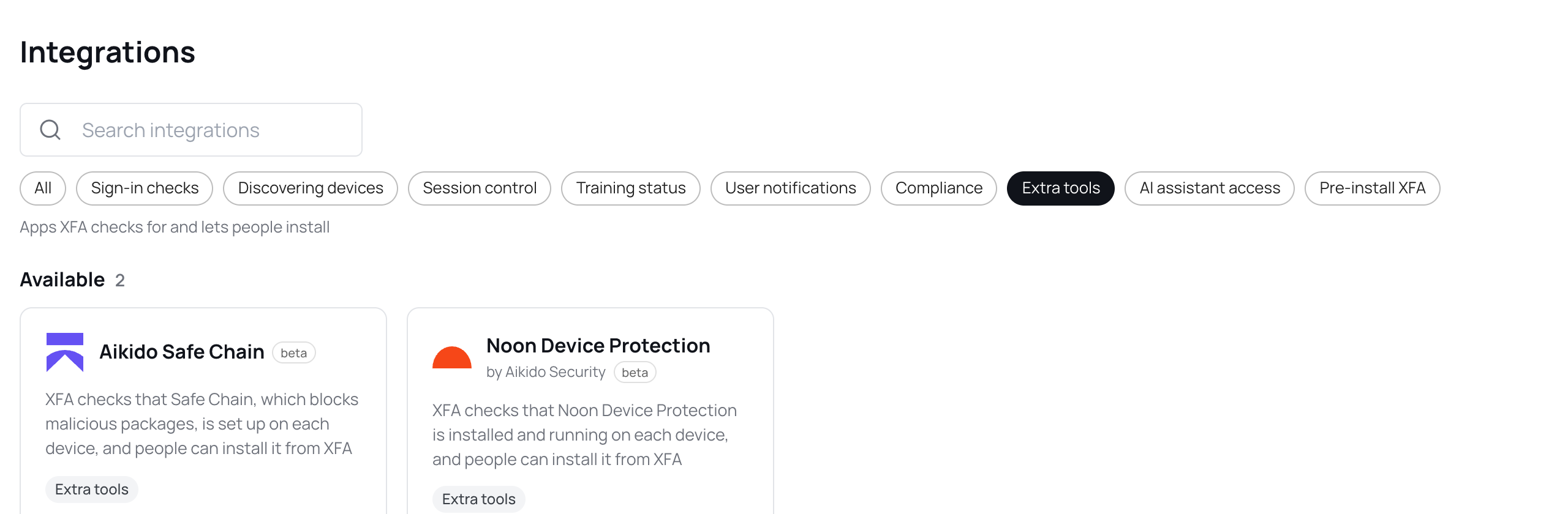
| Extra tools | Apps XFA checks for and lets people install |
| AI assistant access | AI assistants you can ask about your devices and their security |
| Pre-install XFA | Device management tools and scripts that install XFA on your team's devices |
The cards are grouped: Connected first, then Available, Not available in your plan and Coming soon. AI assistants you connected yourself show under Connected for you: only you see them.
Missing a tool? Click Open chat at the bottom of the page and tell us which one.
See what an integration does
Click a card to open its details. The details have one section for each thing the tool does in XFA, with its status, its connections and a link to its guide.
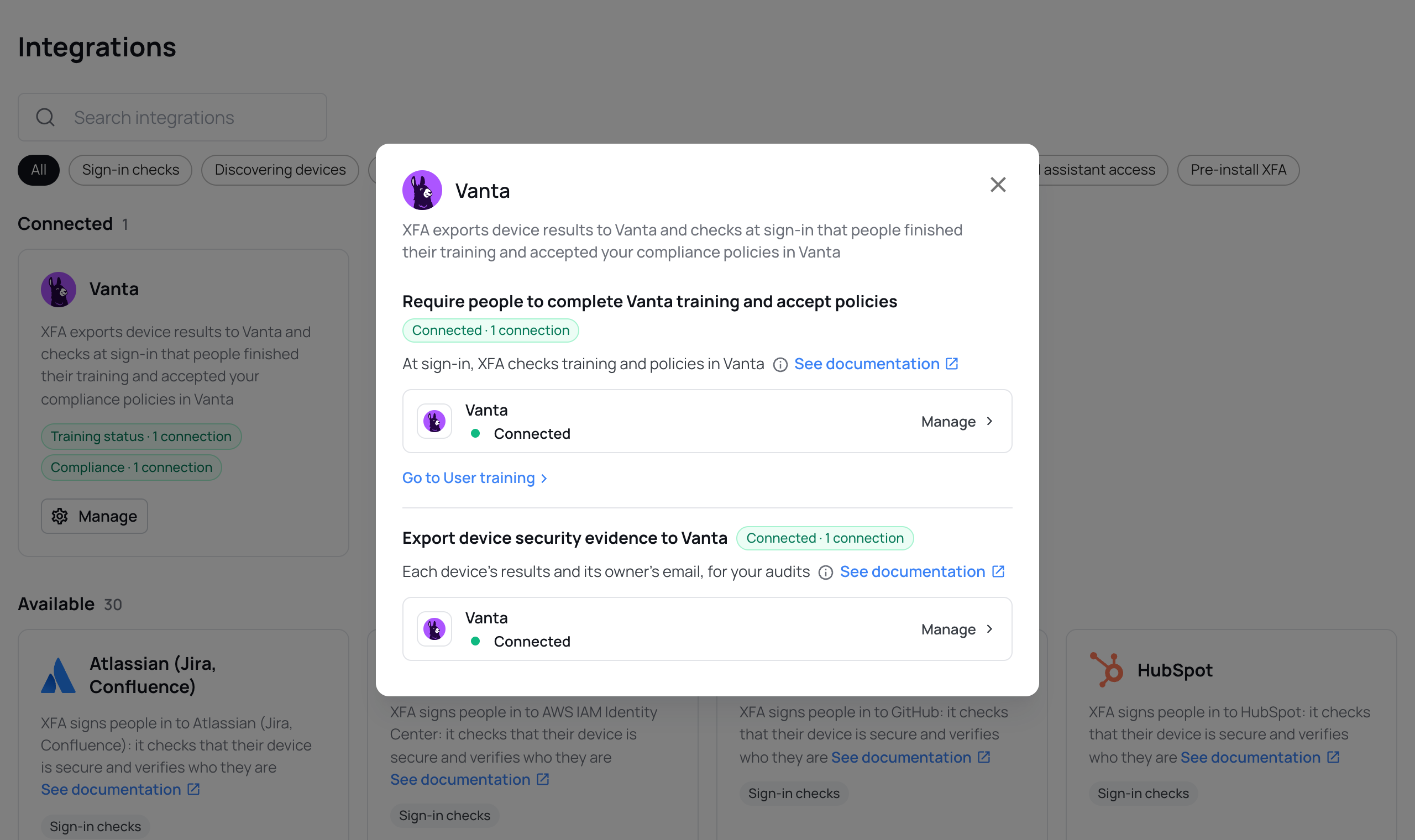
From a card or its details:
- Set up starts a new connection.
- Manage opens a connection you already have.
- Upgrade plan shows which plan the integration needs.
Read-only admins see the same page and details, without the buttons and without the Pre-install XFA cards.
Add an app to sign-in checks
For apps that sign in through SAML (Atlassian, AWS IAM Identity Center, GitHub, HubSpot, Monday and Notion), Set up opens the app's details. Click Add SAML connection to start a new SAML application in XFA with the app's name filled in. See documentation opens the guide for that app.
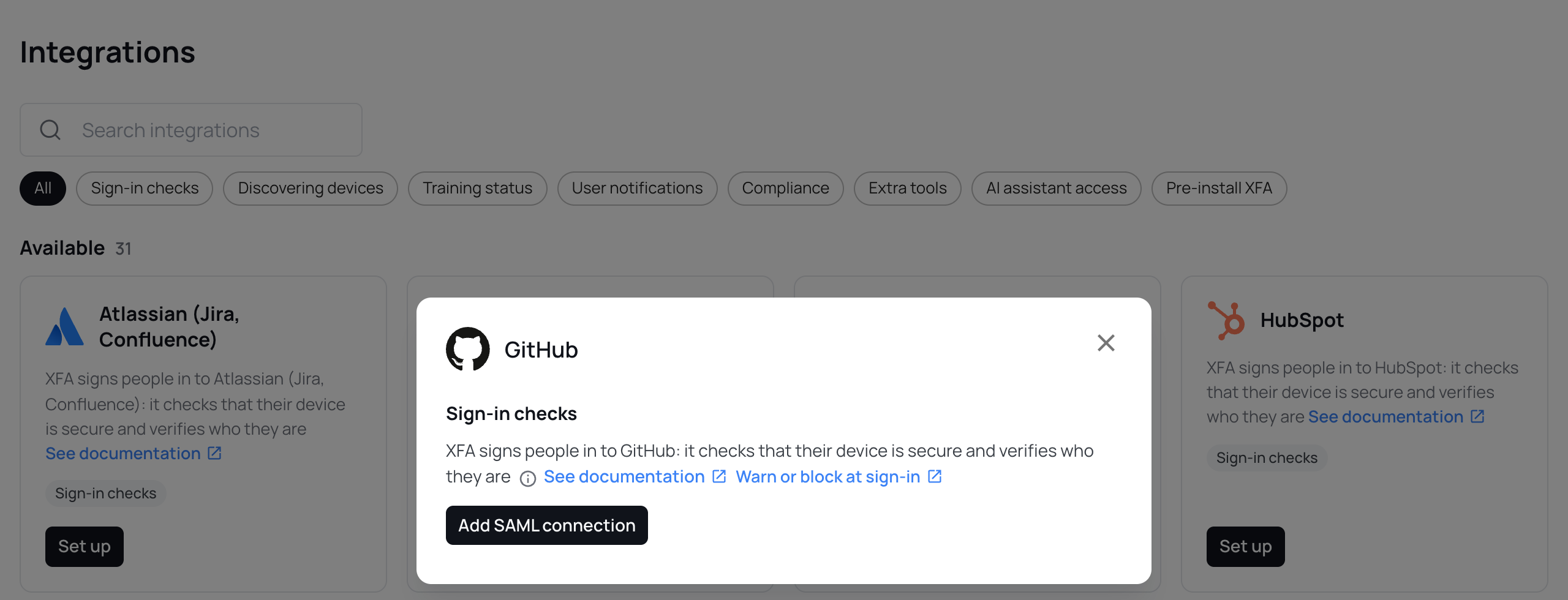
See Create a SAML connection for the steps after that.
Extra tools
Extra tools are security apps XFA can require on devices: Noon Device Protection (by Aikido Security) and Aikido Safe Chain. Set up opens a list of your policies, each with what it does with the tool, for example Warns. Click a policy to turn the tool on in it, or to change what it does. Checking extra tools comes with the Max and Enterprise plans.
Guides per integration
- Sign-in checks: Connections, for identity providers and apps.
- Training status: User training.
- User notifications: Slack and Microsoft Teams.
- AI assistant access: Connect an AI assistant.
- Pre-install XFA: Pre-install XFA through MDM. Pre-installing XFA comes with the Enterprise plan.
- Compliance: Vanta, Thoropass, TrustCloud, Drata and Noru. These send device results to the tool for your audits. They don't decide who can sign in, and they change nothing on devices. Exporting device results comes with the Pro, Max and Enterprise plans.